OMSA TEKNOLOJİ · TECHNICAL GUIDE
How to Extend Your Interactive Whiteboard’s Life
Protecting the panel, using power correctly and keeping software current help maintain your interactive whiteboard.
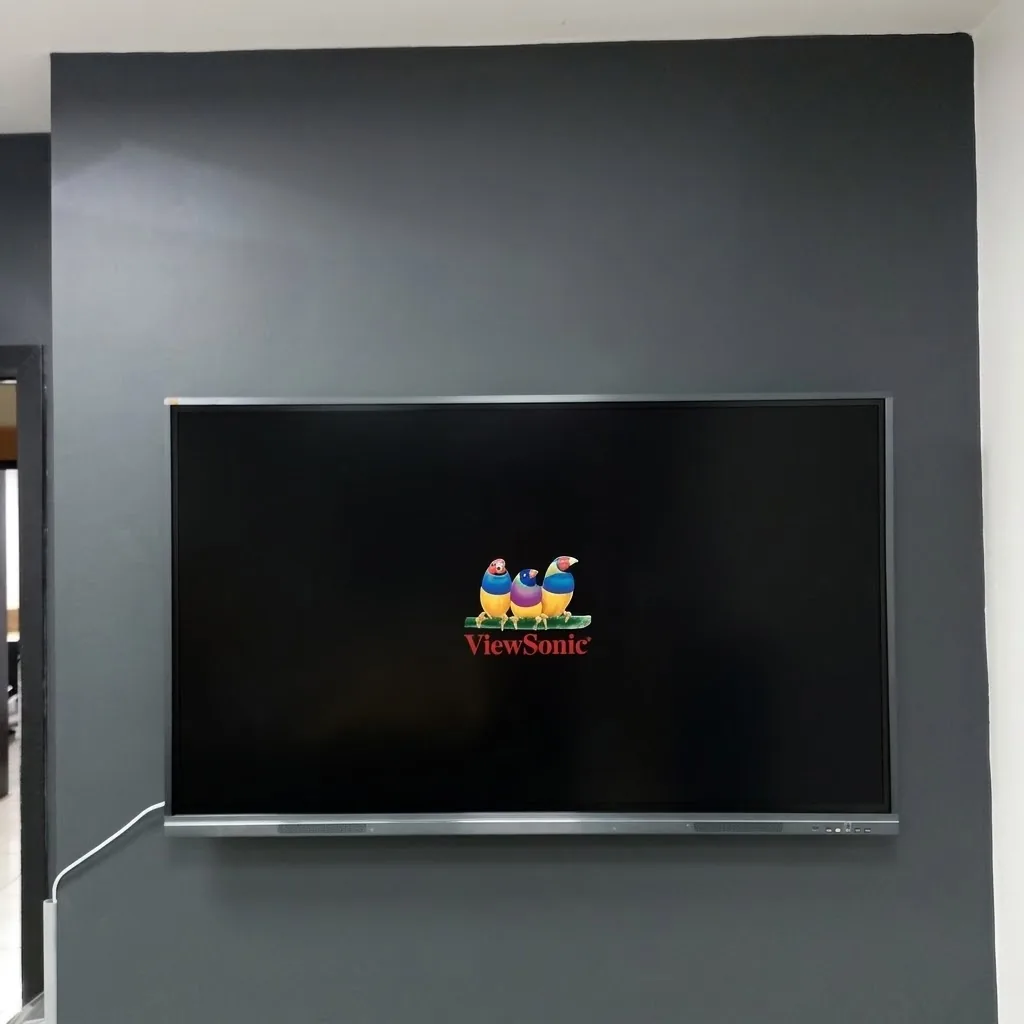
Protect the touch surface
Check the cleaning method in the device manual. Use a suitable soft cloth and avoid abrasives, sharp objects and direct liquid application. Interactive board and touchscreen surfaces may require different care.
Look after cables and mounting
Avoid tension on video and touch cables. If a wall bracket or mobile stand becomes loose, stop using the equipment and have it checked. Do not attempt to remove a heavy display on your own.
Update software carefully
Use official manufacturer sources for updates. Check compatibility with institutional software and back up important files. Avoid major changes immediately before a class or meeting.
Describe problems clearly
If touch stops working, note whether the picture is present and which source is affected. Connection, software and panel problems are different. Seek technical support for work beyond basic cable checks.