01
Interactive learning
Bring lessons onto the screen and explain ideas through writing and annotation. We assess touchscreen options around classroom size, seating and the way teachers work.
We assess the touchscreen, computer and connectivity together to find the right interactive system for your classroom.
What we offer
We bring interactive whiteboards, computers and connectivity together to create spaces teachers and students can use with ease.
Who is it for? Schools, colleges, universities, offices and meeting spaces.
Request a Quote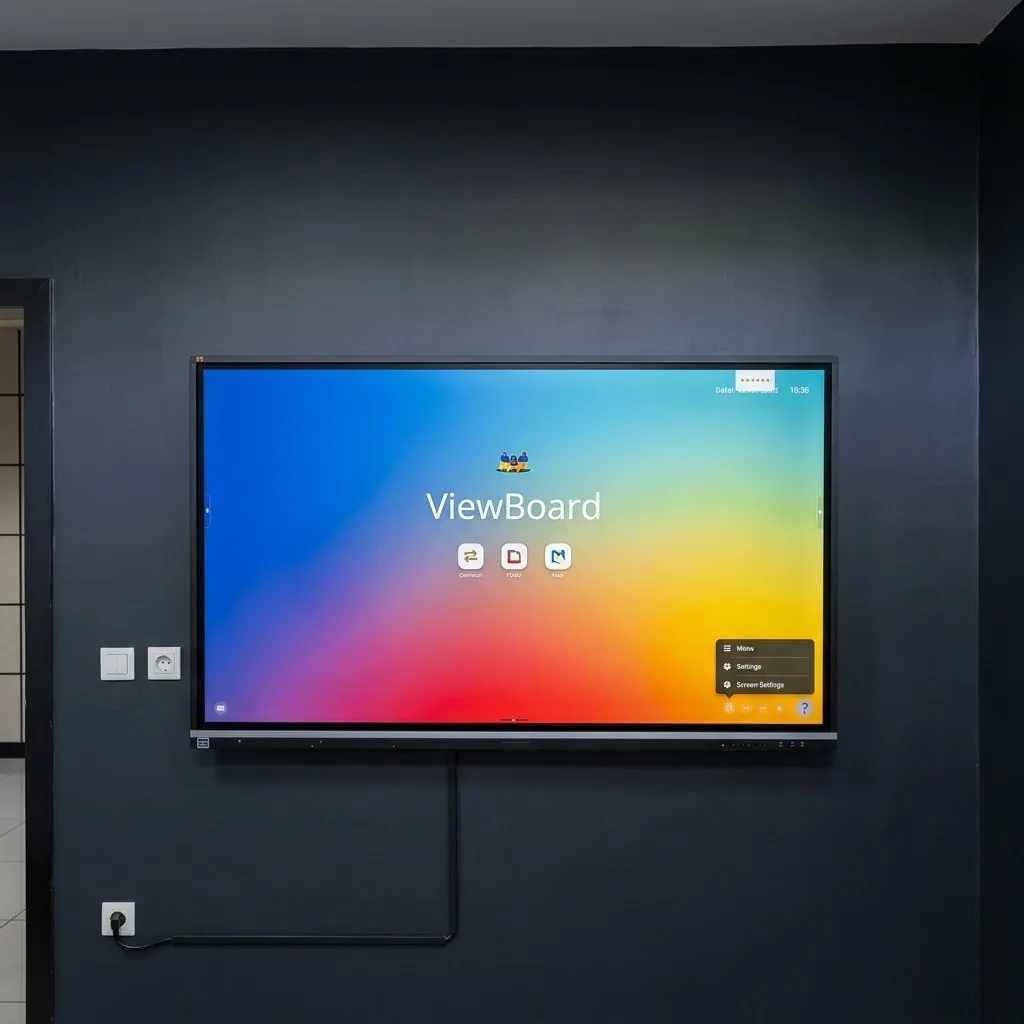
01
Bring lessons onto the screen and explain ideas through writing and annotation. We assess touchscreen options around classroom size, seating and the way teachers work.
02
Bring presentations, notes and screen sharing into one workspace. Connections and software vary by model; compatibility with your existing computers is checked before selection.
03
Display selection, wall or mobile stand suitability, power and connections are planned together. We check the picture, touch response and connectivity after installation.
The term can refer to a projection-based interactive board or an all-in-one touchscreen. We clarify the system type and intended use before making a recommendation.
Viewing distance, content and mounting height matter as well as room size. Room measurements and a few photos help with the first assessment.
We check video and touch connections alongside the computer’s operating system. Compatible computers can be reused; connection methods differ between models.
Let’s get started
Whether you need a new installation, an upgrade or technical support, tell us about your organization and project. We will work out the right solution together.