OMSA TEKNOLOJİ · TECHNICAL GUIDE
How to Extend Your Projector’s Life
Proper ventilation and regular maintenance help preserve image quality. Placement and everyday use also matter.
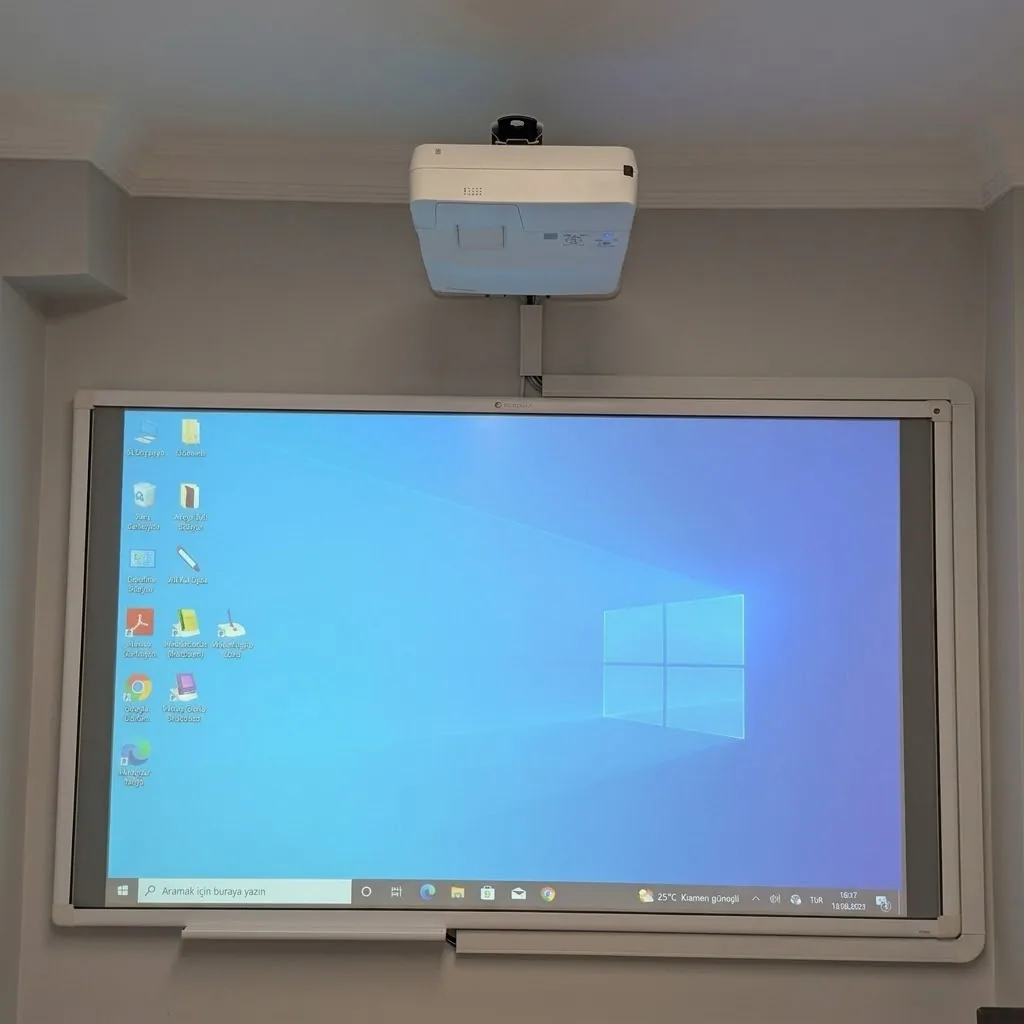
Keep ventilation clear
Keep air inlets and outlets unobstructed and maintain the mounting clearances recommended by the manufacturer. For models with filters, follow the manual’s maintenance interval; filter designs differ.
Follow the model’s shutdown procedure
Let any required cooling cycle finish. Shutdown procedures differ, so follow the manual before disconnecting power. Do not move the device while it is operating.
Clean the lens and housing correctly
Turn off the device and allow it to reach a safe temperature. Use manufacturer-approved materials and do not spray liquids directly onto it. Leave internal work to a qualified technician.
Pay attention to changing performance
Record the make, model and symptoms if fan noise, unexpected shutdowns, colour changes or reduced brightness appear. The lamp is not always the cause; diagnose the problem before replacing parts.