OMSA TEKNOLOJİ · TECHNICAL GUIDE
5 Ways to Improve Learning and Meetings with Interactive Whiteboards
Interactive content, wireless sharing and collaboration make classes and meetings more productive when configured correctly. Plan how the equipment will be used before choosing it.
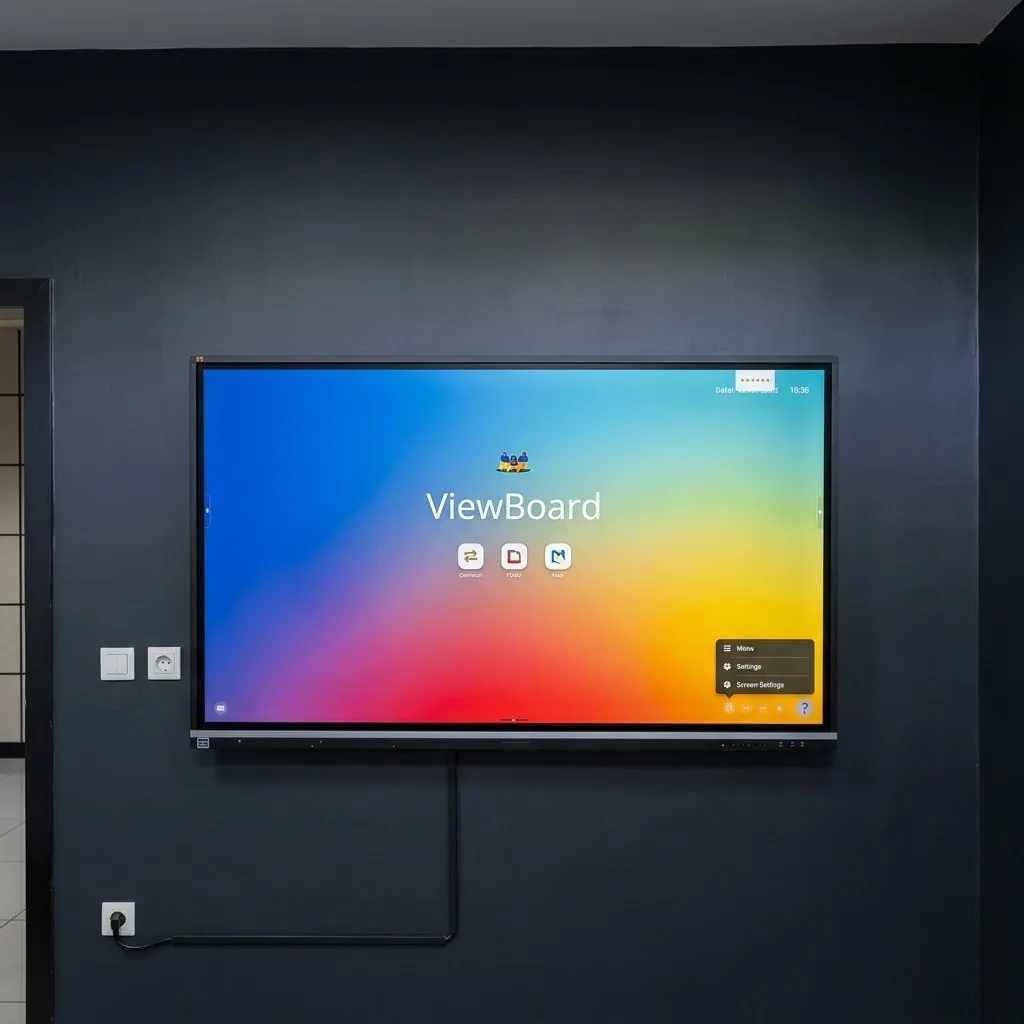
1. Make touch part of the conversation
Do more than show slides. Annotate a diagram, record participants’ ideas or solve a problem together to make touch interaction useful. Check that your chosen software supports the functions you need.
2. Prepare materials in advance
Organize lesson and meeting files in easy-to-find folders. Test presentations, videos and document fonts on the actual device beforehand to reduce time spent searching for files during a session.
3. Check connections before the session
If wireless sharing is supported, test it with the organization’s network and computers. Do not assume every device uses the same sharing method. Keep a suitable wired connection available as an alternative.
4. Establish a simple routine
Start with the basics: powering on, choosing an input, adjusting sound and shutting down. Keep a short guide near the display and check that personal accounts and files are closed at the end of each session.
5. Plan ongoing care
Clean the touch surface according to the manufacturer’s guidance and schedule updates outside working hours. Record recurring connection or touch issues and share them with technical support.